
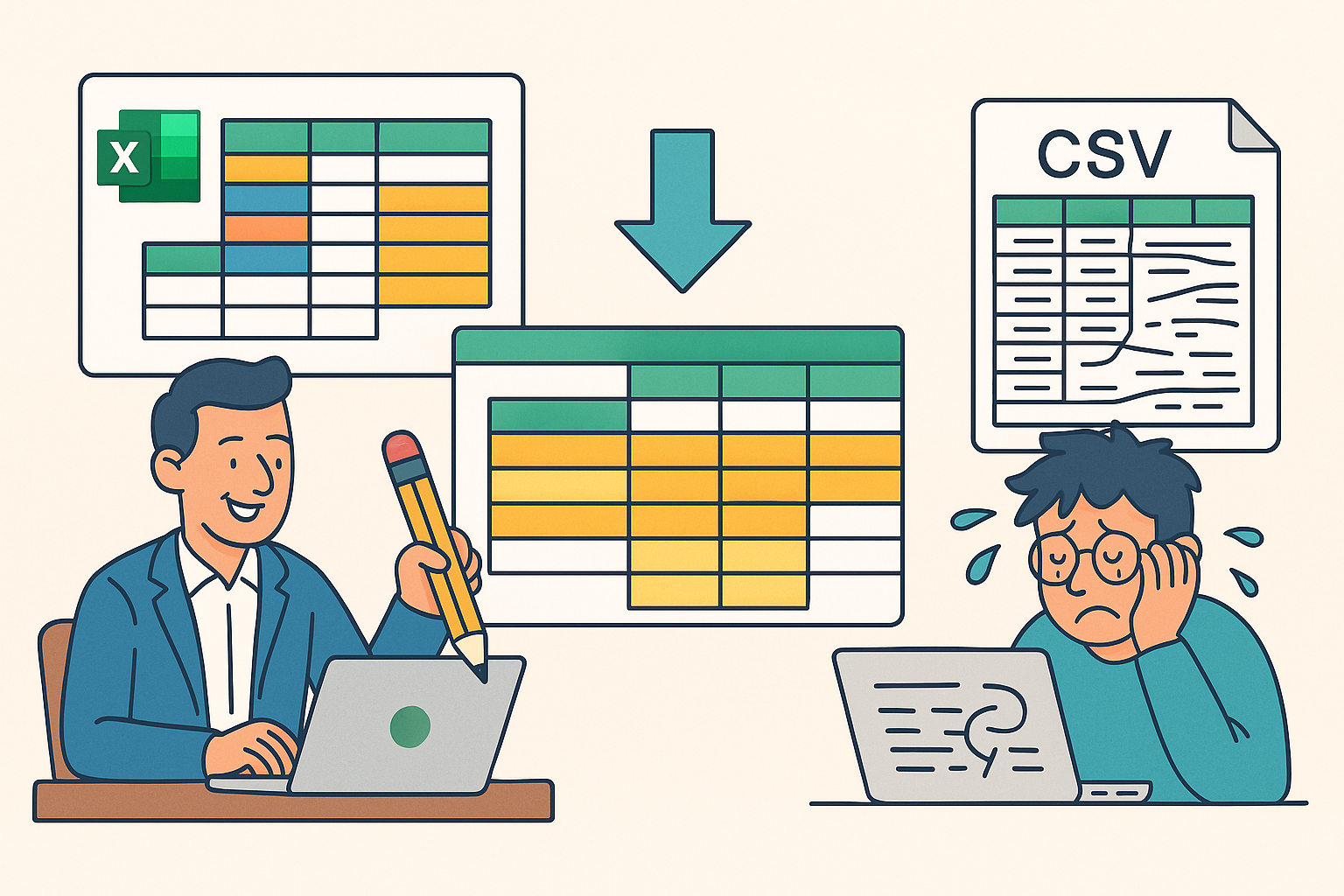
At first glance, it looks deceptively simple, “fill down Excel cells.”
But that innocent-sounding task hides one of the most persistent, high-friction data problems in business: the hierarchical Excel sheet.
Every analyst, data engineer, or auditor eventually encounters it, a workbook created by someone in management that looks perfectly fine on screen, but is actually a structural nightmare underneath.
Merged cells. Hidden hierarchies. Blank repeats that visually group data but break every rule of tabular consistency.
When Excel Becomes a Database
For many organizations, Excel is the database.
Managers use it to model everything from sales pipelines to risk registers, adding colors, merged headers, and visual grouping to make reports readable for humans.
Unfortunately, those same design choices make the data unreadable for machines.
You can’t import it cleanly into SQL, Power BI, or pandas.
ETL tools stumble. Rows multiply incorrectly. And somewhere, a data engineer sighs and starts writing a custom script… again.
The Bridge Between Two Worlds
That’s exactly the gap xlfilldown was built to close.
It quietly solves a hard, high-friction ETL problem that every data professional eventually hits, transforming “Excel chaos” into clean, relational data.
By forward-filling hierarchical cells, xlfilldown reconstructs the logical structure hidden in those spreadsheets.
It bridges the managerial world of visual spreadsheets and the data world of deterministic ETL, with one command.
xlfilldown db \
  --infile report.xlsx --insheet Sheet1 \
  --header-row 1 \
  --fill-cols '["Region","Manager","Product"]' \
  --db output.db --table clean_data
That’s it.
From messy hierarchy to SQLite table, complete with preserved row numbers, stable row hashes, and constant memory usage even at scale.
From Merged to Measured
What used to take hours of manual cleaning or brittle Excel formulas is now a repeatable ETL step.xlfilldown turns those “presentation spreadsheets” into analysis-ready datasets, so engineers can stop firefighting and start modeling.
Managers still get to design their spreadsheets the way they like.
Data teams finally get something structured, auditable, and SQL-friendly.
In short: Excel and engineering finally meet halfway.